
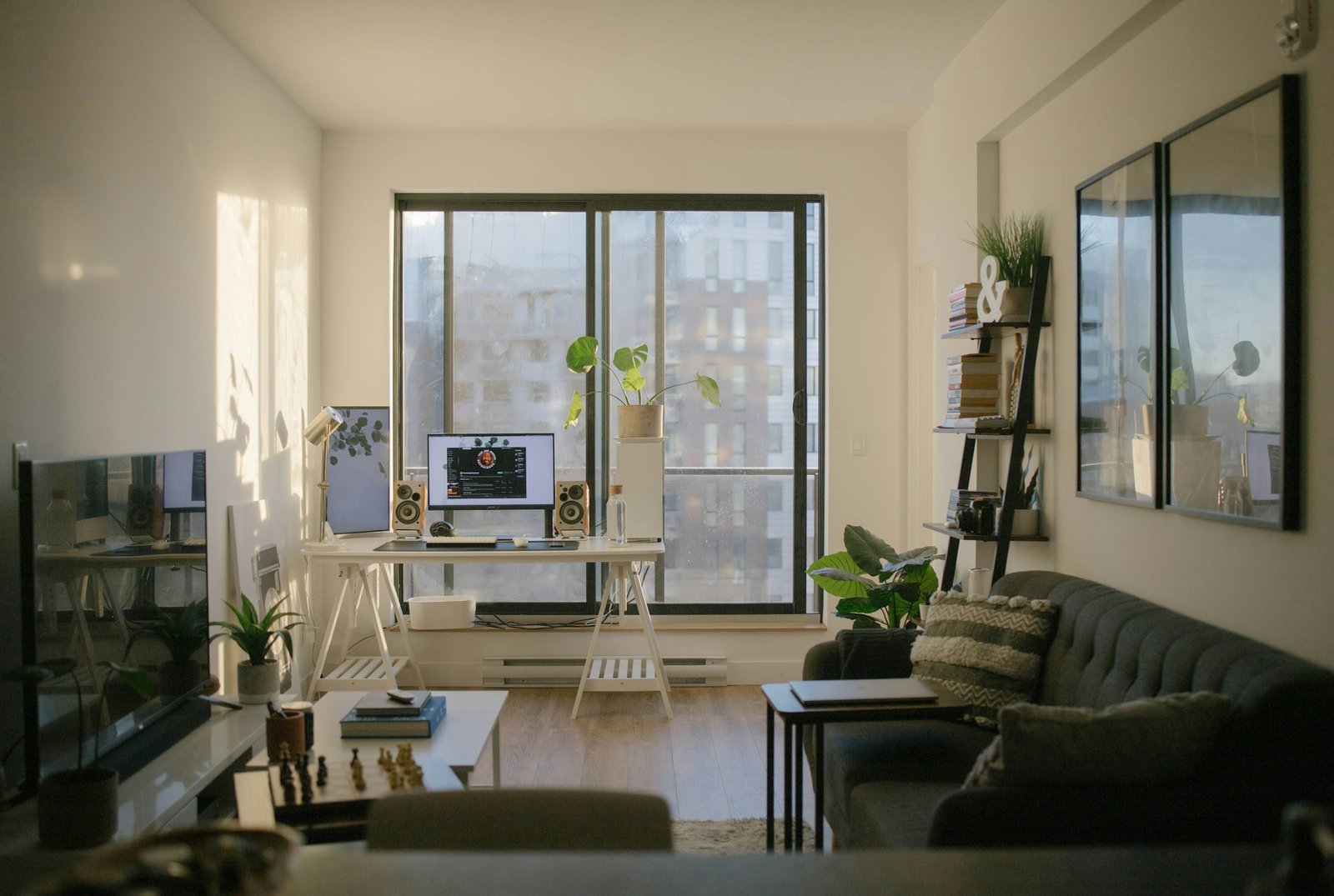
Home Office Interior Design in Gurgaon: Smart Ideas for Apartments
Working from home has changed how many Gurgaon households use their apartments. A dining table may double as a desk, video calls may happen from a bedroom, and chargers, files and office equipment can quickly take over the living room. Thoughtful home office interior design in Gurgaon can create a comfortable, productive work zone without making the rest of the home feel like a corporate office. The best solution depends on your available space, work routine, daylight, storage needs and budget—not simply the size of the desk.
1. Choose the right location for your home office
Before buying furniture, identify the quietest practical area where you can work consistently. A spare bedroom is often the easiest option, but a corner of the living room, a wide passage niche or a carefully planned section of the bedroom can also work. Look at noise, privacy, daylight, ventilation, electrical sockets and the route people take through the home.
A desk beside a window can feel bright and inviting, but position the screen to reduce glare. Depending on the direction of the window, facing it directly or sitting with it directly behind you may create reflections or strong contrast during calls. Test the setup at the hours you normally work. If direct afternoon sun makes the area uncomfortable, use suitable curtains or blinds and consider the heat entering the room.
For a compact home, avoid placing the desk where an open door, wardrobe shutter or balcony door will collide with the chair. Mark the desk and chair footprint on the floor with removable tape before ordering furniture. Check that you can pull the chair back, stand up and pass behind it without repeatedly moving other items.
2. Design a compact workstation that feels intentional
A useful home office does not require a large executive desk. Choose a work surface deep enough for your laptop or monitor, keyboard, mouse and the items you use every day. If you use multiple screens, measure the full arrangement and allow room for safe cable routing. The correct dimensions depend on your equipment and posture, so test the desk with your actual chair and devices wherever possible.
A slim desk can fit into a bedroom or living area, while a wall-mounted worktop may be useful where floor space is limited. A folding desk can help in a multipurpose room, but only if it is stable, securely installed where necessary and practical to set up every day. Do not select a tiny desk that forces you to hunch or leaves your equipment hanging over the edge.
For a more integrated look, match the desk finish to an existing wardrobe, bookshelf or media unit. A contrasting timber tone can also create a clear work zone without adding a partition. Keep decorative objects limited to a few useful or meaningful pieces so the desktop remains easy to clean and use.
3. Prioritise chair comfort and screen position
The chair and desk affect everyday comfort more than most decorative choices. Look for a chair that supports your posture, allows your feet to rest securely and suits the height of the work surface. Adjustable seat height and back support can help different users find a more comfortable position. Try the chair for a reasonable period before purchasing rather than relying only on product photographs.
Position your monitor so you can view it without repeatedly bending your neck. A laptop stand paired with a separate keyboard and mouse can improve the setup for longer work sessions. Keep frequently used items within comfortable reach and avoid twisting repeatedly to reach a printer or storage shelf. Take regular breaks to stand, move and change position; furniture alone cannot replace movement throughout the day.
4. Plan lighting for work and video calls
Relying on a single overhead light can create shadows on the desk and make video calls look flat. A balanced setup combines ambient room lighting with a task light directed at the work surface. Choose a lamp that provides enough light without shining directly into your eyes or reflecting on the screen. Adjustable brightness can be helpful when moving between reading, typing and video meetings.
For video calls, place a soft light source in front of you or slightly to one side, rather than relying on a bright window behind your head. Check the camera view at the time of day you usually have meetings. A simple, uncluttered background—such as a bookshelf, artwork or plain wall—often looks more professional than a busy corner. Keep private documents, family photographs or sensitive information out of the camera frame if you prefer not to share them.
5. Use storage to keep work separate from home life
Clutter often grows when every item has to remain on the desk. Plan storage around what you use: a drawer for stationery, a shelf for reference books, a tray for cables and a closed cabinet for documents or equipment. If your workstation is in a shared room, closed storage makes it easier to reset the space at the end of the day.
Vertical shelves can make use of wall space, but keep frequently used items at a comfortable height and secure heavy shelves with suitable fixings. Avoid blocking air-conditioning units, ventilation openings, electrical panels or service access. If the desk is built into a wardrobe or cabinet, include space for heat to dissipate from devices and plan cable access before the carpentry is fabricated.
For a small apartment, multifunctional furniture may be more efficient than adding another large storage unit. A compact drawer pedestal can move with you, while a desk with a modest number of well-designed drawers may be sufficient for everyday supplies. Avoid adding storage simply because a wall is empty; first identify the items that genuinely need a home.
6. Make a bedroom work corner feel calm
If the bedroom is the only practical location, separate the work zone visually without making the room feel crowded. A narrow desk along one wall, a dedicated task light and a small storage unit can establish a clear boundary. Choose finishes that coordinate with the bed and wardrobe so the workstation feels planned rather than temporarily squeezed in.
When work ends, close the laptop and store papers in a drawer or cabinet. If you have video calls, position the camera away from the bed where possible and keep the background simple. Avoid placing the desk so close to the bed that the chair blocks access or prevents wardrobe doors from opening fully.
For more ideas on balancing furniture and circulation in a compact flat, read our guide to 2BHK flat interior design ideas in Gurgaon and our article on space-saving design for small apartments.
7. Create a flexible work zone in the living room
A living-room workstation should support work without taking over the room. Consider a narrow desk that aligns with an existing console or bookshelf, or use a small corner that does not obstruct the main walking route. Keep the chair easy to move and choose a finish that works with the living-room palette. If you work in the same space as other family members, agree on storage and call-time arrangements as well as the furniture plan.
A screen or open shelf can help define the workstation, but partitions can reduce daylight and make a compact room feel smaller. Try a rug, task lamp, wall art or coordinated storage first. The aim is to make the area feel purposeful without adding unnecessary construction. Keep cords secured and out of walking paths, especially where children or pets use the room.
8. Choose colours and materials that suit your home
Neutral colours can help a workspace blend into a residential interior, while a restrained accent colour can distinguish the desk zone. Pale shades may reflect more light, but the result depends on the room’s natural light, finish and surrounding colours. Test paint and laminate samples in the actual space before committing. A large dark desk may look striking in a showroom but feel visually heavy in a narrow bedroom.
For the work surface, consider scratch resistance, ease of cleaning and how it will handle daily equipment. Edge quality and installation matter as much as the surface finish. If the desk is custom-made, ask for a drawing with dimensions, material thickness, cable access and the proposed support structure. For a movable desk, confirm stability and check whether it can be carried through the apartment’s doors and lift.
Gurgaon’s heat and seasonal dust can affect window-side work areas and the maintenance of fabrics and electronics. Use suitable window shading, cleanable surfaces and a practical cleaning routine. Keep electronics away from direct sunlight and follow the manufacturer’s ventilation recommendations.
9. Plan power, internet and cable management early
List every device before finalising the workstation: laptop, monitor, router, phone charger, desk lamp, printer and any accessories. Confirm where power sockets and internet equipment are located, and avoid relying on a tangle of extension leads across a walking route. If new electrical points or wiring are needed, use a qualified professional and follow applicable safety requirements.
Use cable clips, sleeves or a desk cable tray to keep wires organised. Leave enough slack for equipment to be moved safely, but not so much that cables hang where they can be pulled. Keep power adapters ventilated and do not overload sockets. If video calls are important, test Wi-Fi strength at the desk and consider a suitable network solution if the signal is unreliable.
10. Add plants and personal details without clutter
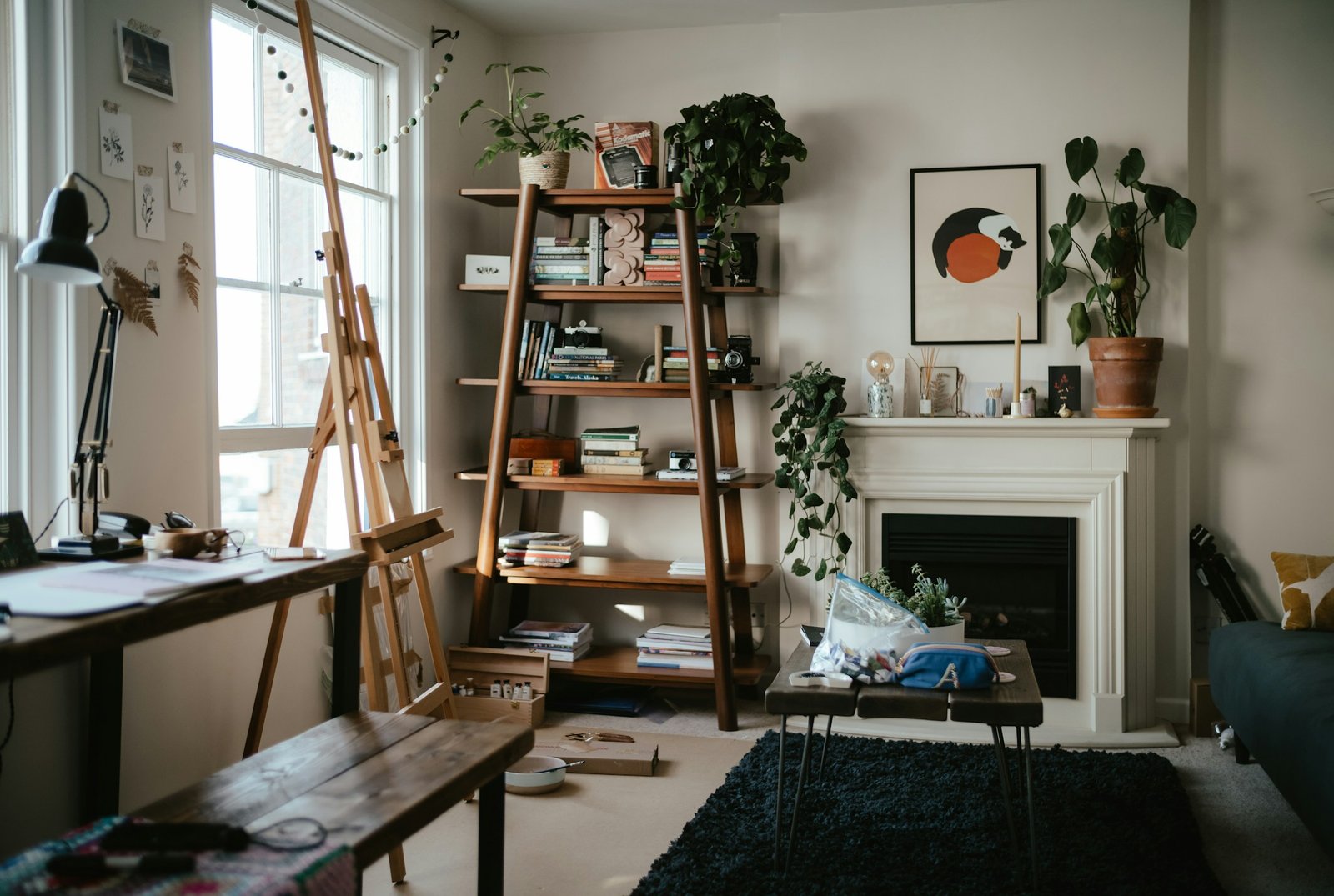
A plant, framed print or small personal object can make a work area feel less institutional. Choose items based on the available light and your ability to care for them. Avoid filling every shelf with decor, because visual clutter can make the desk harder to maintain. One or two considered details often work better than a large collection around the monitor.
If you place a plant near a window, use a suitable tray and protect the worktop from moisture. Keep objects away from the keyboard, camera and ventilation openings of devices. The workspace should reflect your personality while leaving enough room for the work itself.
11. Set a realistic budget for a home office
The cost of a home office depends on whether you are using existing furniture, buying a ready-made desk and chair, adding storage or commissioning custom carpentry and electrical work. A simple refresh can be limited to a chair, lamp and cable management. A built-in workstation may involve design, materials, hardware, installation, electrical changes and finishing, so it should be estimated from a clear scope rather than a generic price range.
Break the budget into desk, chair, storage, lighting, electrical or network work, accessories, delivery and installation. Ask suppliers to specify dimensions, materials, hardware, warranty and what is excluded. Keep a contingency if measurements or site conditions have not yet been confirmed. Avoid spending heavily on decorative panelling before you have invested in a suitable chair, work surface and lighting.
If the workstation is part of a larger home makeover, review the scope and exclusions alongside your overall interior design quote for Gurgaon. A written estimate makes it easier to compare options fairly.
12. Common home office design mistakes to avoid
- Buying a desk before measuring the room, chair movement and door swings.
- Choosing a chair for appearance without checking support and adjustability.
- Placing the monitor where sunlight or reflections make it difficult to view.
- Using only overhead lighting and leaving the desk poorly lit.
- Allowing cables to cross walking routes or overloading electrical sockets.
- Building shelves or cabinets without considering device ventilation and service access.
- Filling the desk with decor and leaving too little usable work surface.
- Ignoring privacy, background clutter and lighting during video calls.
- Approving custom carpentry without drawings, specifications and a clear quote.
Home office planning checklist
- Measure the proposed work area and confirm the desk, chair and storage fit.
- Check daylight, glare, ventilation, noise and privacy at normal working hours.
- Choose a chair and work surface that suit your height and equipment.
- Plan monitor position, task lighting and a simple video-call background.
- Map power sockets, internet access and cable routes before installation.
- Decide what needs closed storage and what can remain on the desk.
- Confirm materials, dimensions, hardware, installation and warranty in writing.
- Keep the setup flexible enough to adapt if your work routine changes.
Frequently asked questions
How do I create a home office in a small Gurgaon apartment?
Choose an underused corner, measure it carefully and use a compact desk with a comfortable chair. Add task lighting, vertical storage where suitable and cable management. Keep the walking route clear and choose furniture that suits the room rather than forcing a large office setup into a small space.
Is a custom-built home office better than a ready-made desk?
Not always. A ready-made desk can be economical, flexible and easier to move. Custom carpentry can make better use of an unusual niche or coordinate with existing storage, but it requires accurate measurements and a clear specification. Compare the complete cost, quality and flexibility before deciding.
Where should I place my desk for video calls?
Try to position a soft light source in front of you or slightly to one side, and avoid a bright window directly behind you. Check the camera preview at your usual meeting time. Choose a background that looks tidy and does not reveal information you prefer to keep private.
What matters most when budgeting for a home office?
Prioritise a suitable chair, correctly sized desk, reliable lighting, safe power access and storage for essential items. Decorative upgrades can come later. For custom work, ask for itemised costs and confirm materials, installation, exclusions and warranty in writing.
Can a home office blend into a bedroom or living room?
Yes. Coordinate the desk finish with existing furniture, keep accessories limited and use closed storage to put work away when the day ends. A task lamp, a restrained colour palette and a well-planned furniture layout can define the work zone without a permanent partition.
Create a workspace that supports everyday life
A successful home office is built around how you work, how much space you have and how the rest of the household uses the home. Measure first, prioritise comfort and lighting, plan storage and cables, and spend on items that improve daily use before decorative extras. Homework Design Studio can help you plan a workspace that fits the layout and style of your home. Explore our interior design consulting service to discuss the requirements for your Gurgaon property.
Related Posts
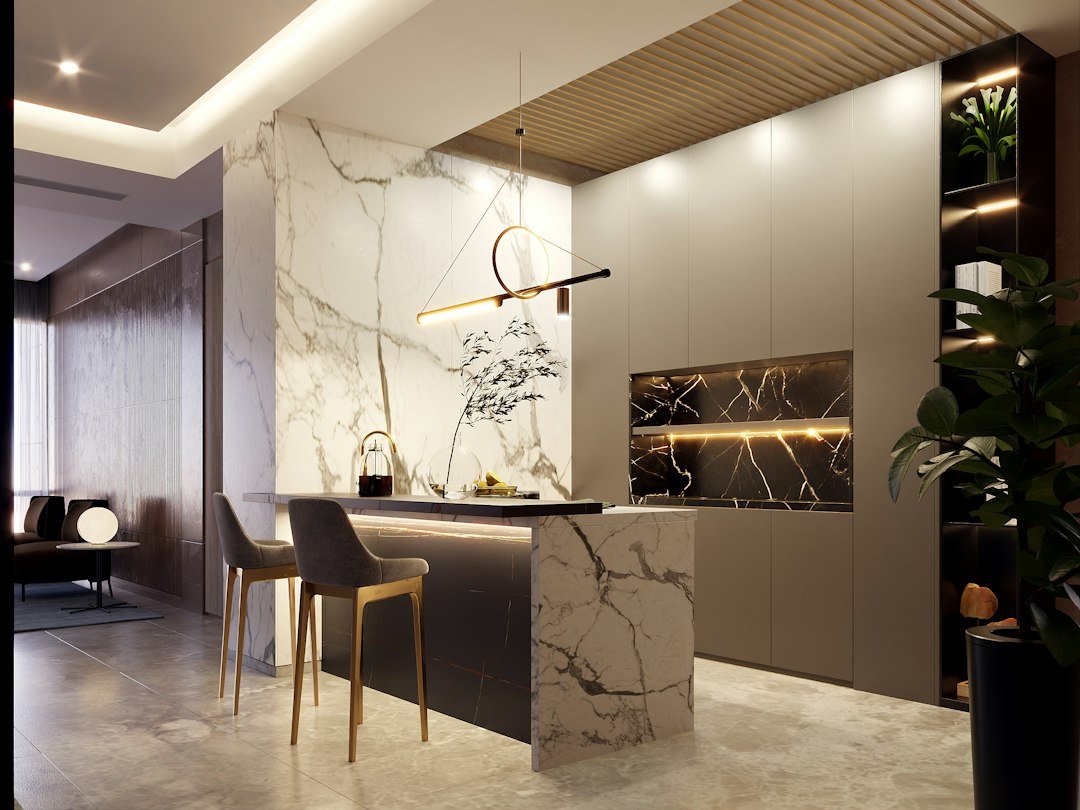
Modular Kitchen Design in Gurgaon: Layout, Materials and Planning Checklist
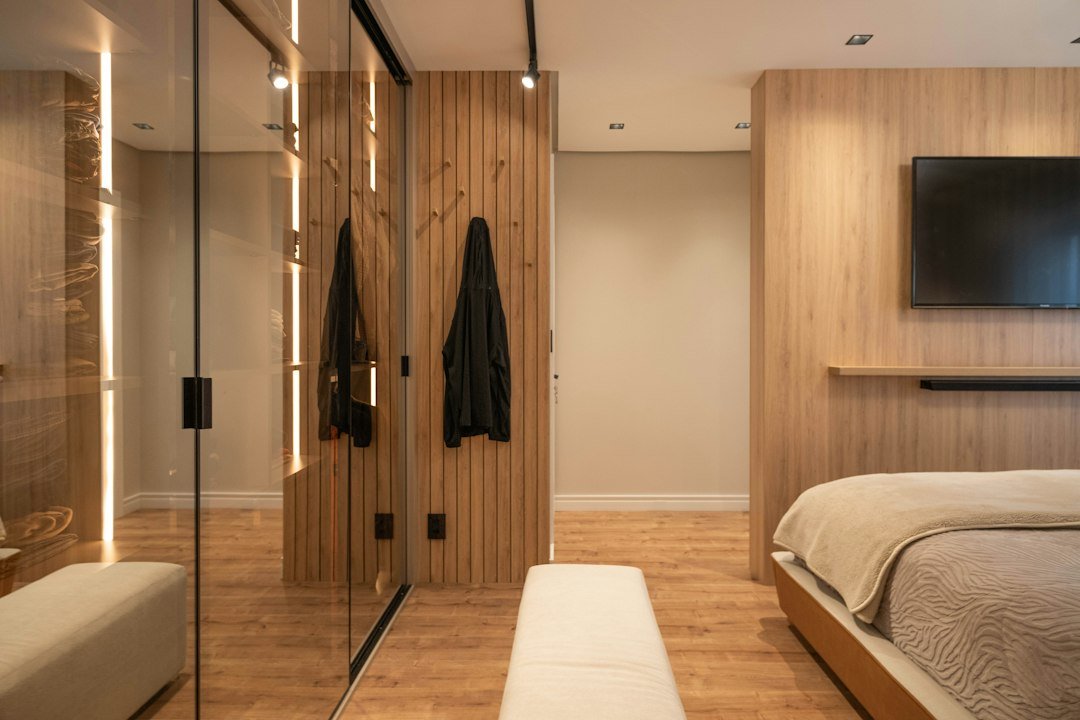
Wardrobe & Storage Design in Gurgaon: Costs, Materials and Planning Guide
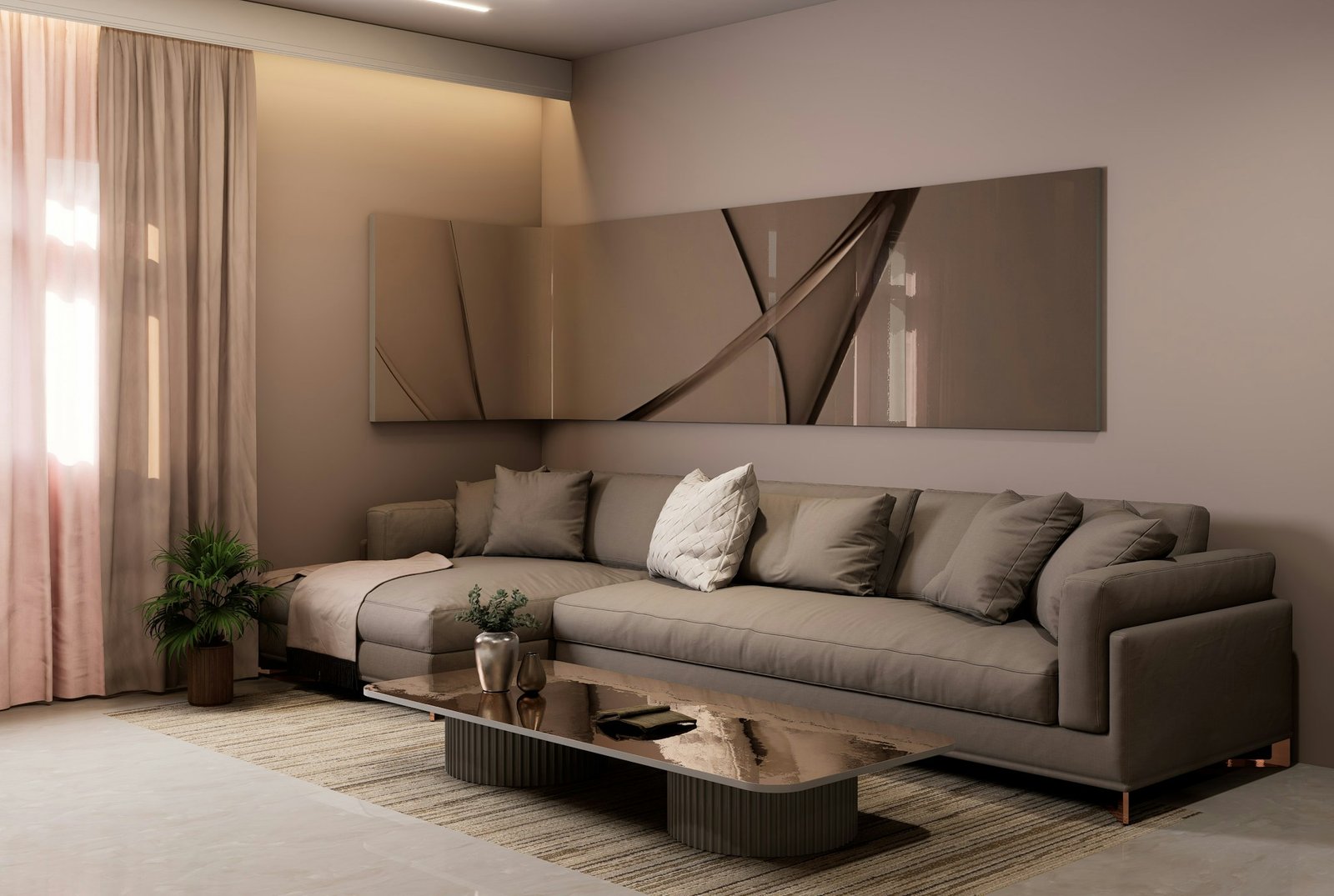
West-Facing Flat Interior Design in Gurgaon: Practical Ways to Reduce Heat
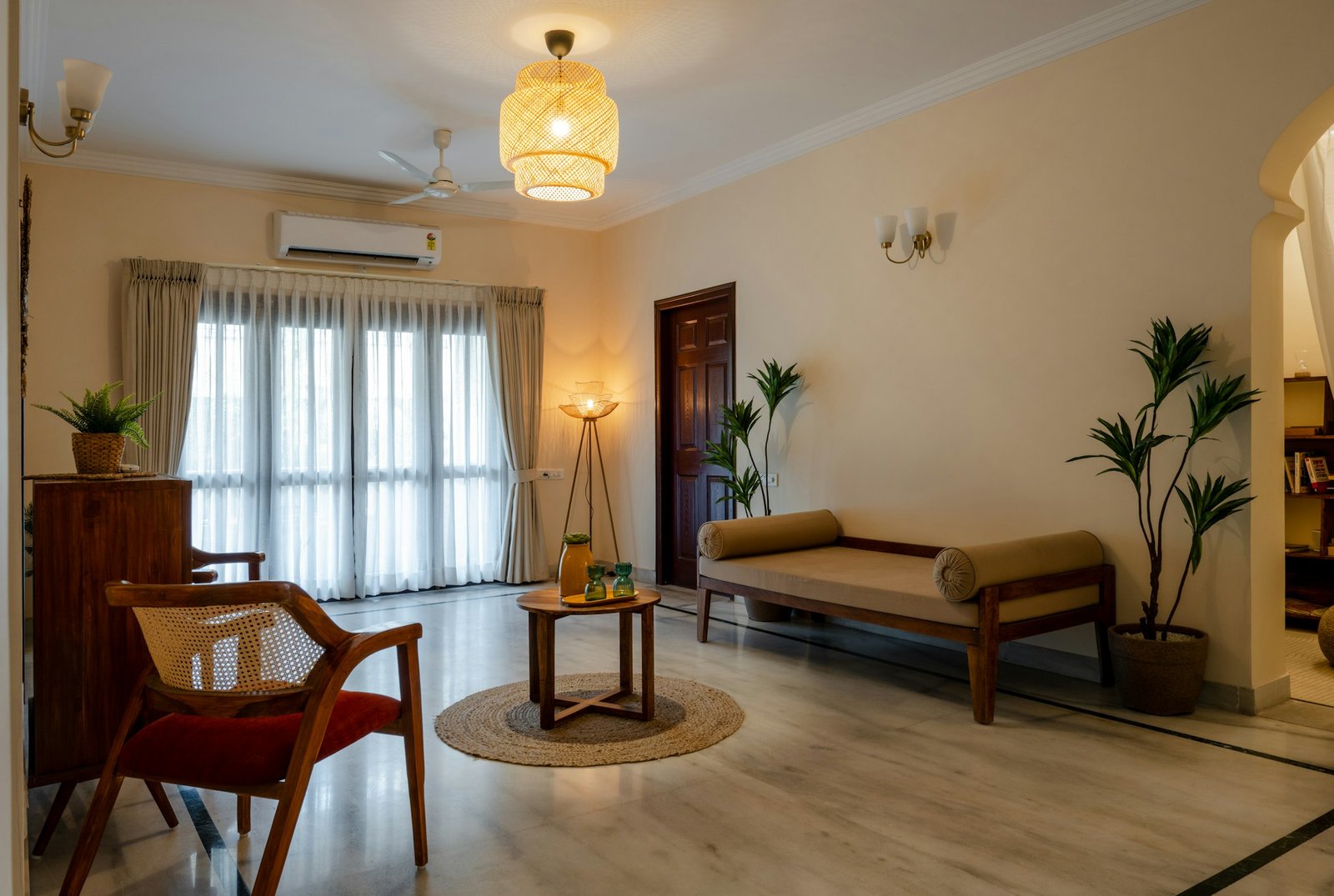
Rental Flat Interior Design in Gurgaon: Deposit-Safe Ideas That Work
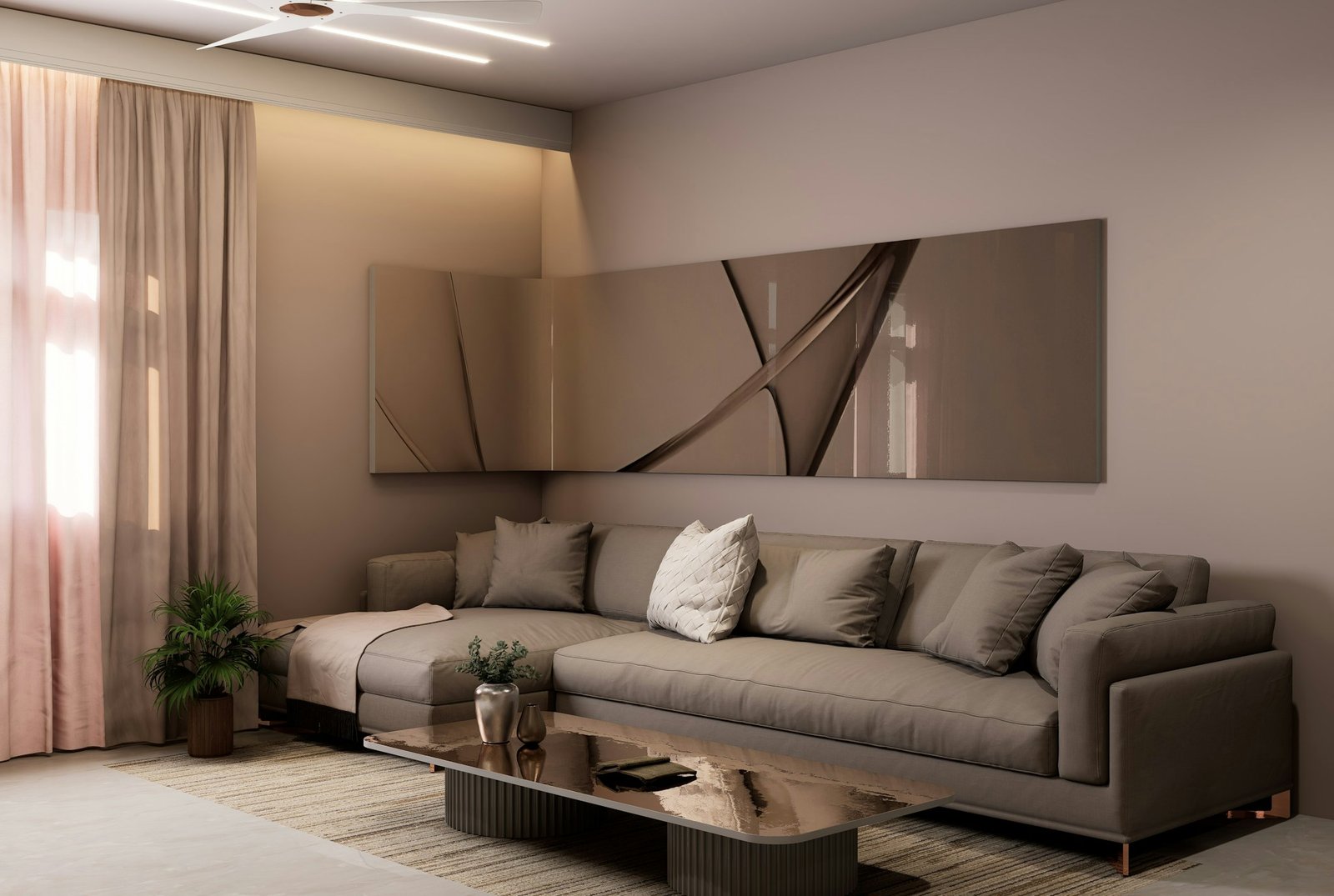
2BHK Flat Interior Design Ideas in Gurgaon: Layout, Storage & Budget
How Long Does a Full Home Renovation Take in Gurgaon? Realistic Timeline
Turnkey Interior Design Company in Gurgaon: What It Actually Includes
How to Get an Accurate Interior Design Quote in Gurgaon: Avoid Hidden Costs
Interior Design Firm vs Freelance Designer in Gurgaon: Pros, Cons & Cost
Best Time of Year to Start Your Home Renovation in Gurgaon
Interior Design Warranty & After-Service in Gurgaon: What to Ask For
Balcony Garden Design in Gurgaon Apartments: Plants, Layout & Weatherproofing
Farmhouse Interior Designer Gurgaon: A Complete Guide to Luxury Farmhouse Interiors
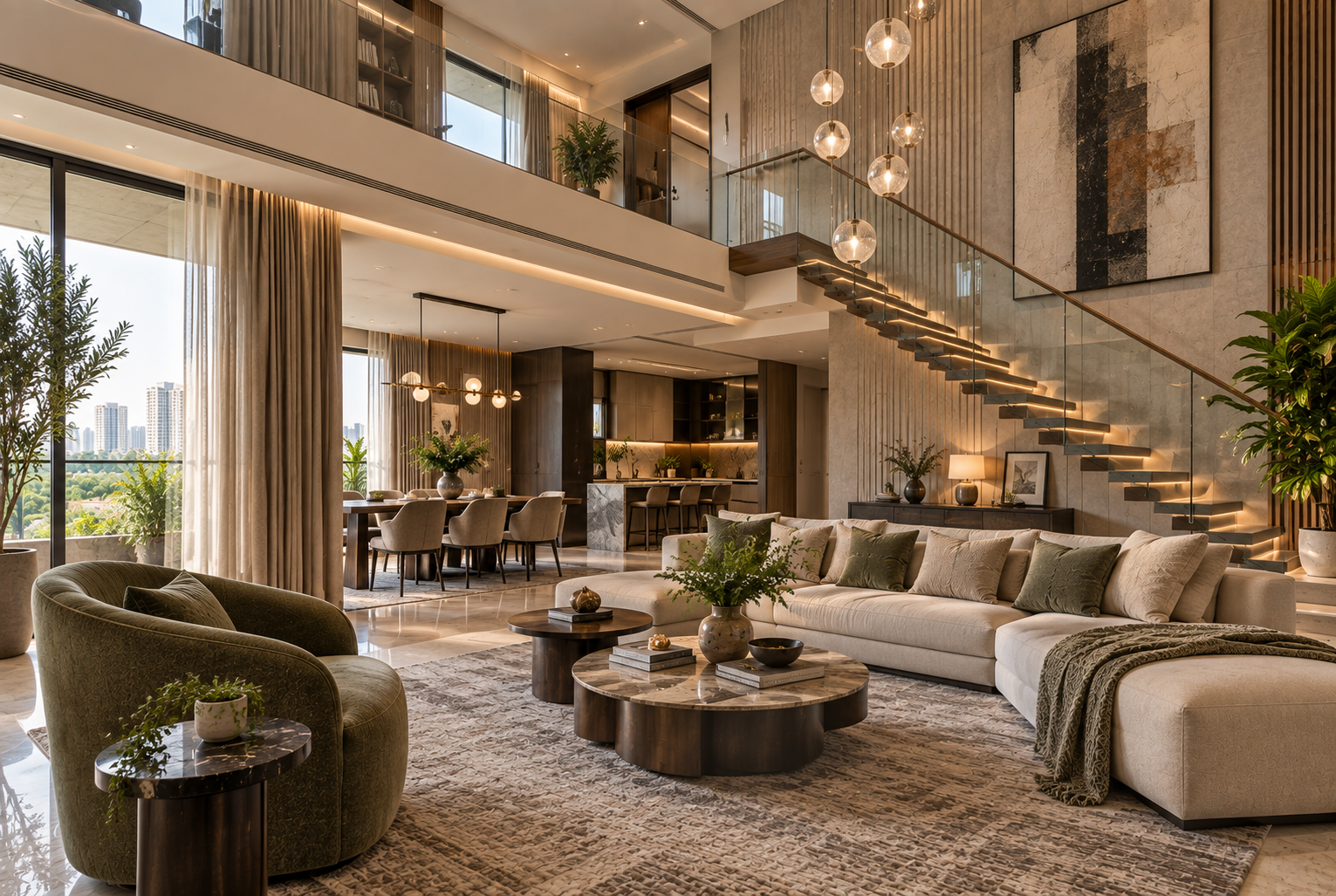
Duplex Interior Designer Gurgaon: A Complete Guide to Planning a Luxury Two-Floor Home